digitalocena uses DD to install win7
Steps
Step 1: Select the Debian 9 system for installation
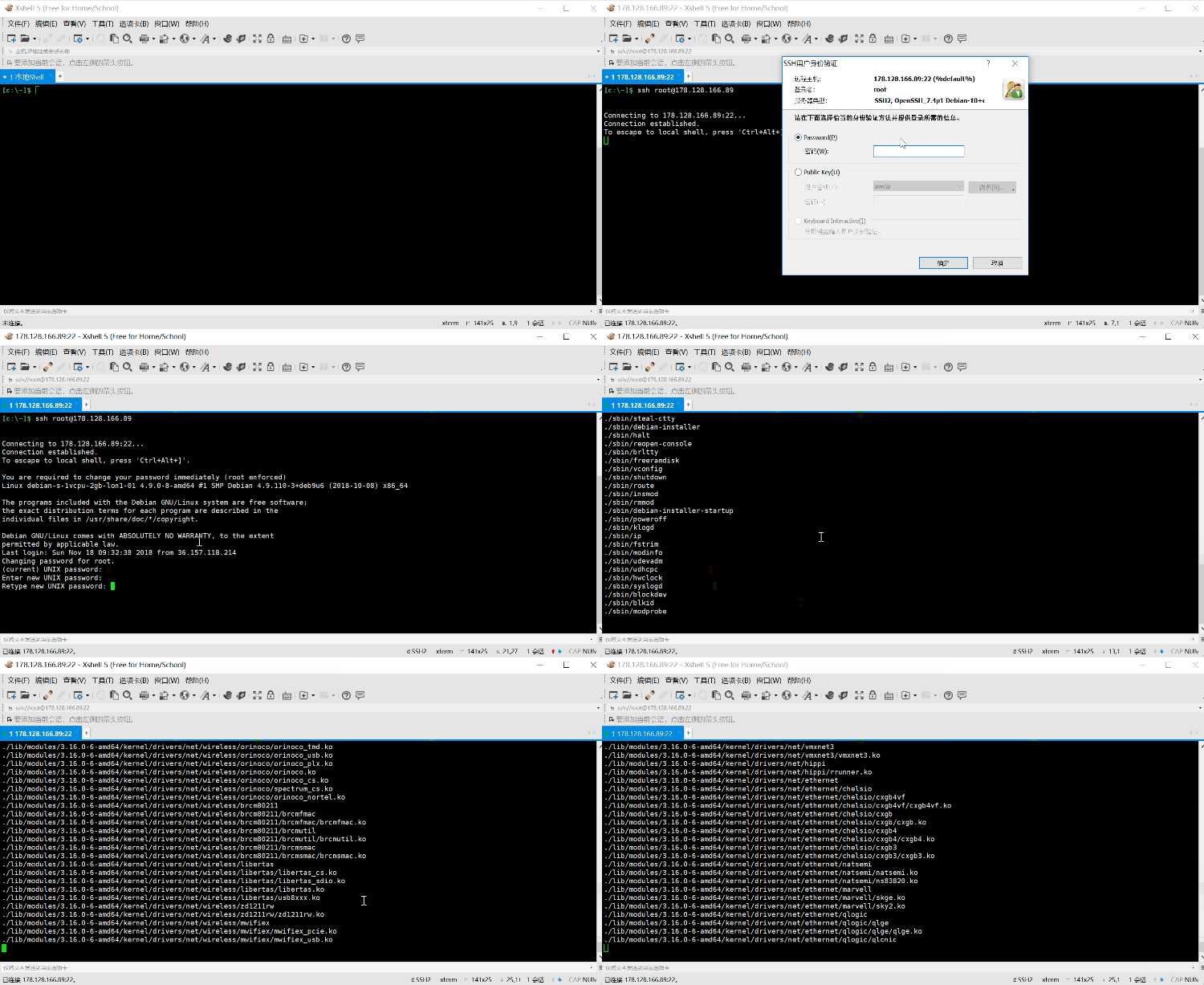
Step 2: Use Xshell or putty to log in to the Debian system
Step 3: Copy the one-click script into the command line and press Enter; it will be installed automatically in ten minutes
Step 4: After the installation is complete, log in to the win7 system
wget --no-check-certificate -qO InstallNET.sh 'https://raw.githubusercontent.com/wggwcn/DD-INSTALLWIN7_DEBIAN9/master/InstallNET.sh' && bash InstallNET.sh -dd 'http://www.freevpnnet.com/get-win7embx86-auto'
win7 remote machine username administrator password Vicer
You need to add a widget, row, or prebuilt layout before
you’ll see anything here. 🙂
you’ll see anything here. 🙂