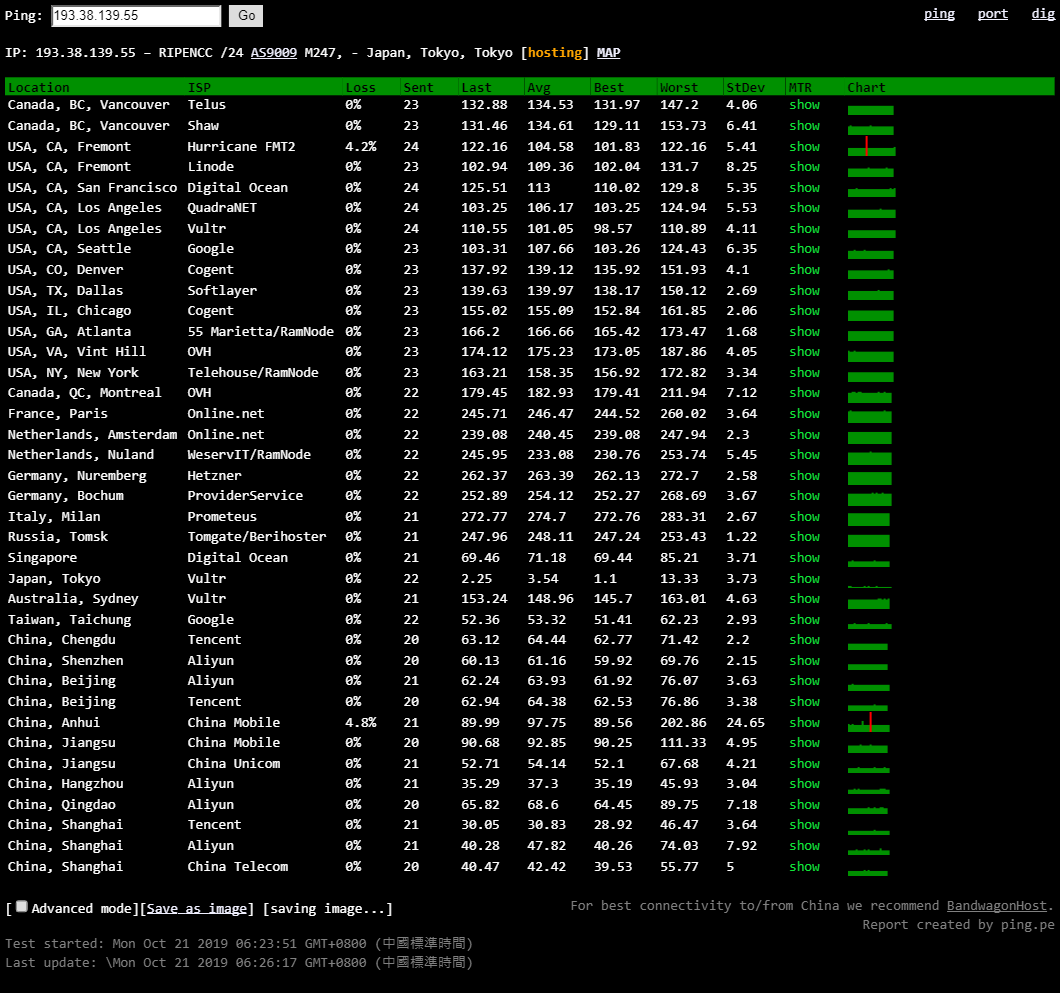
The main signs that a server has been blocked are shown in 4 aspects
1. SSH cannot connect to the server
2. TCP is blocked (you find it still cannot connect even after enabling your server firewall)
3. TCP and UDP are blocked
4. It can be pinged, but SSH does not work, and neither TCP nor UDP can connect to any ports
If this kind of server connection problem occurs, we should first determine whether the server firewall is enabled. We can use this website to test it. If that chart
is red, it means the connection is blocked and the server has been blocked. When this happens, we need to change the IP before we can connect.